In the right panel. You can have several lists (list name menu: new, rename, duplicate, delete, import, export to .txt).
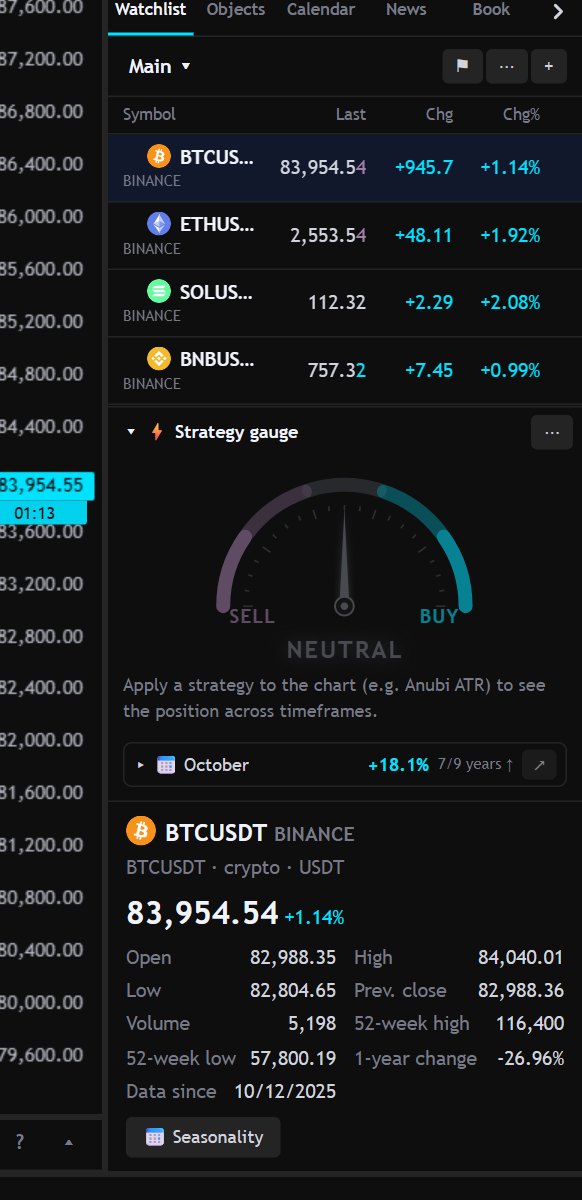
- Sections: “+ Add section…” divides the list into groups.
- Colored flags to mark symbols, and a filter by flag.
- Click a column to sort; “Back to manual order” restores your order (by dragging).
- Right-click on a symbol: open, compare on the chart, create alert, remove.
- The symbol detail, under the list, has buttons for Seasonality and Financial data.
- Between the list and the detail is the strategy speedometer.
Quotes arrive in real time where the provider allows it.