/ or the ƒx Indicators button opens the library, with three tabs:
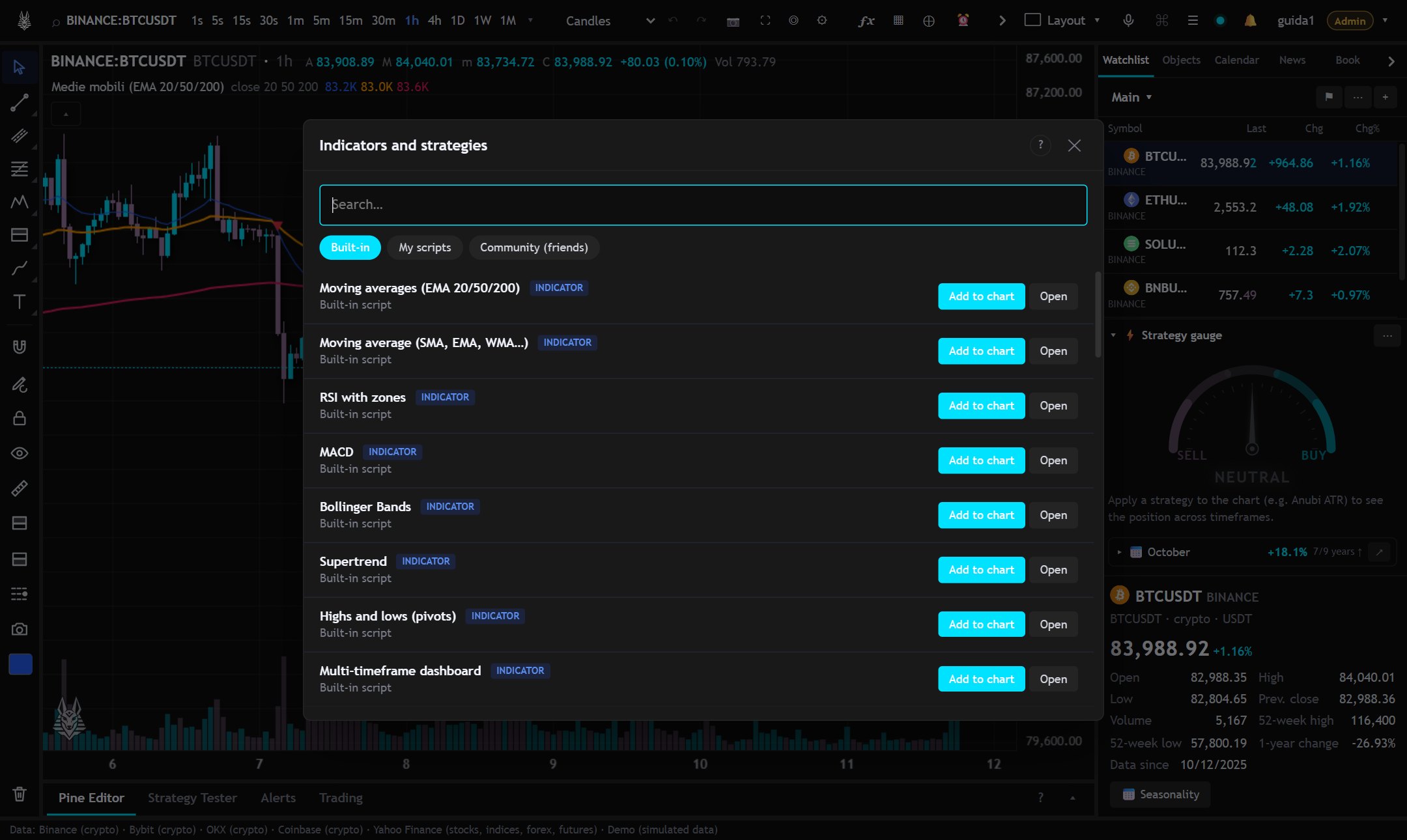
- Built-in: ready-made indicators and strategies.
- My scripts: those saved from the Pine Editor.
- Community (friends): scripts shared by friends, with favorites ★, comments 💬 and “Copy” to get a version of your own (if the code isn't protected).
From the legend
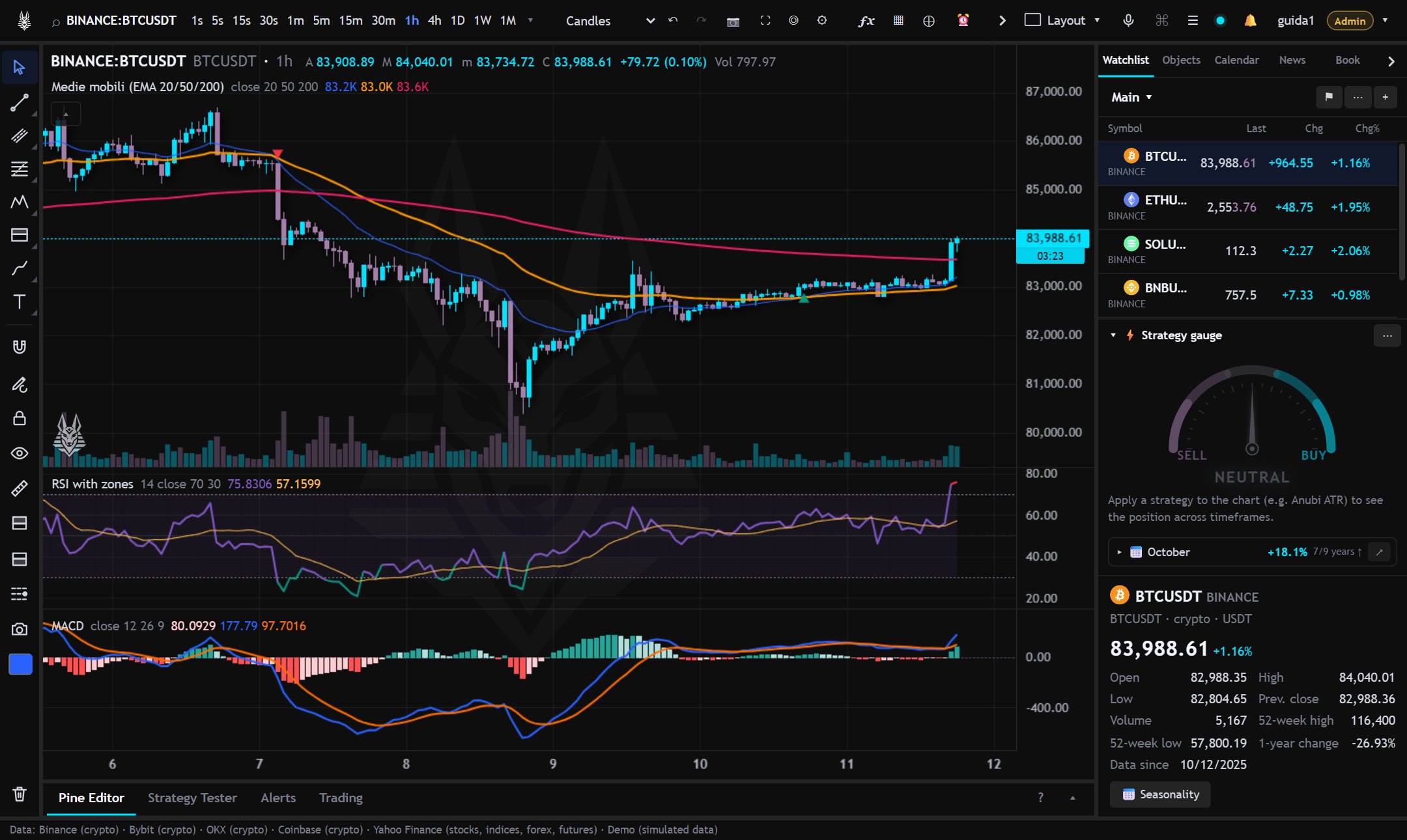
Hovering over an indicator's name at the top left: settings (also with a double click on a plot), hide, source code, recalculate, remove. The “add an indicator on this” button creates, for example, a moving average computed on the indicator instead of on the price.
Templates
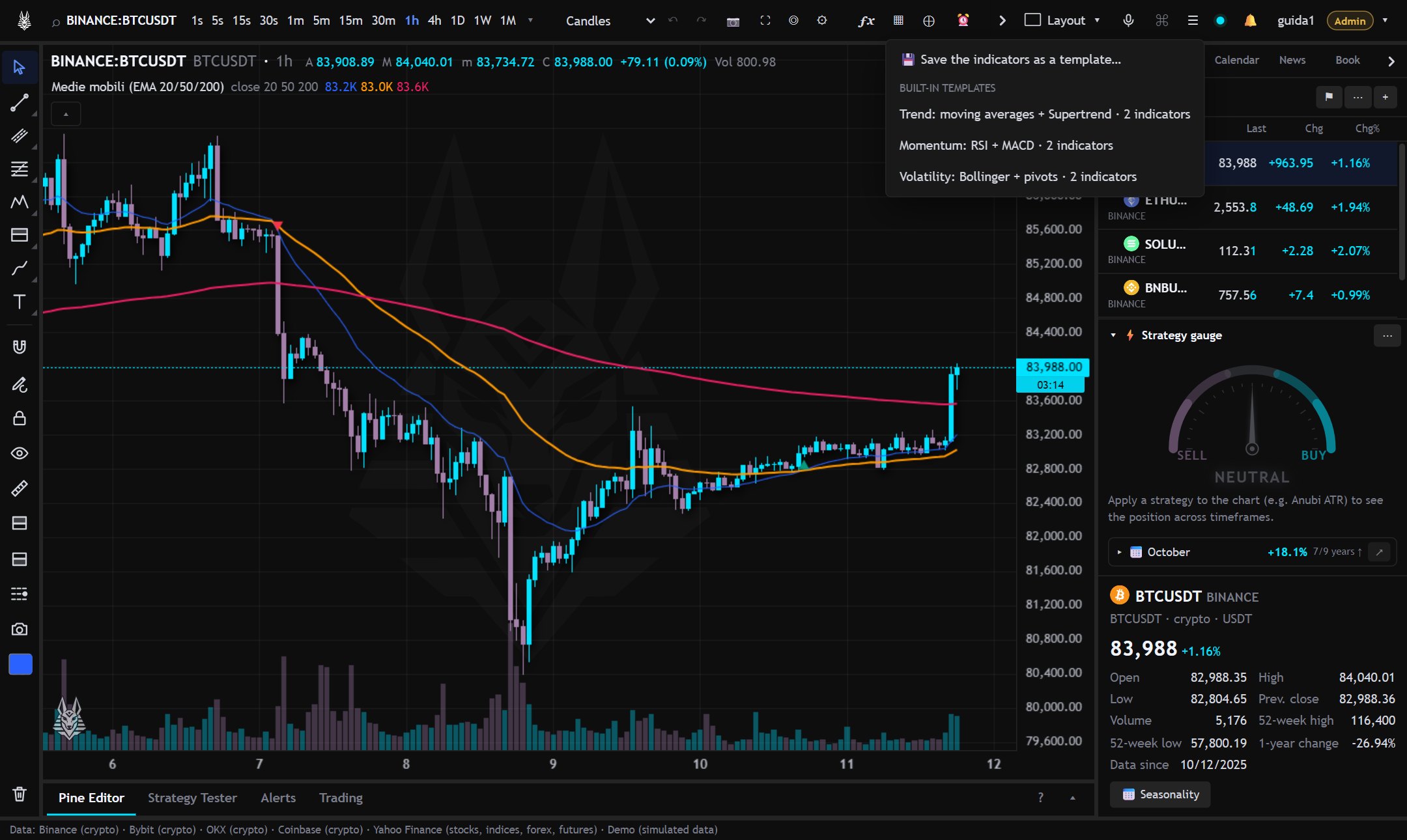
The ▦ button next to “Indicators” saves the current group of indicators as a template and recalls it on another chart. There are also some predefined templates. Applying a template replaces the current indicators (go back with Ctrl+Z).
While an indicator is calculating, a spinner turns in the legend: with heavy or protected scripts the first result can take a few seconds. If a script errors, the app retries by itself at growing intervals.