From your name menu at the top right:
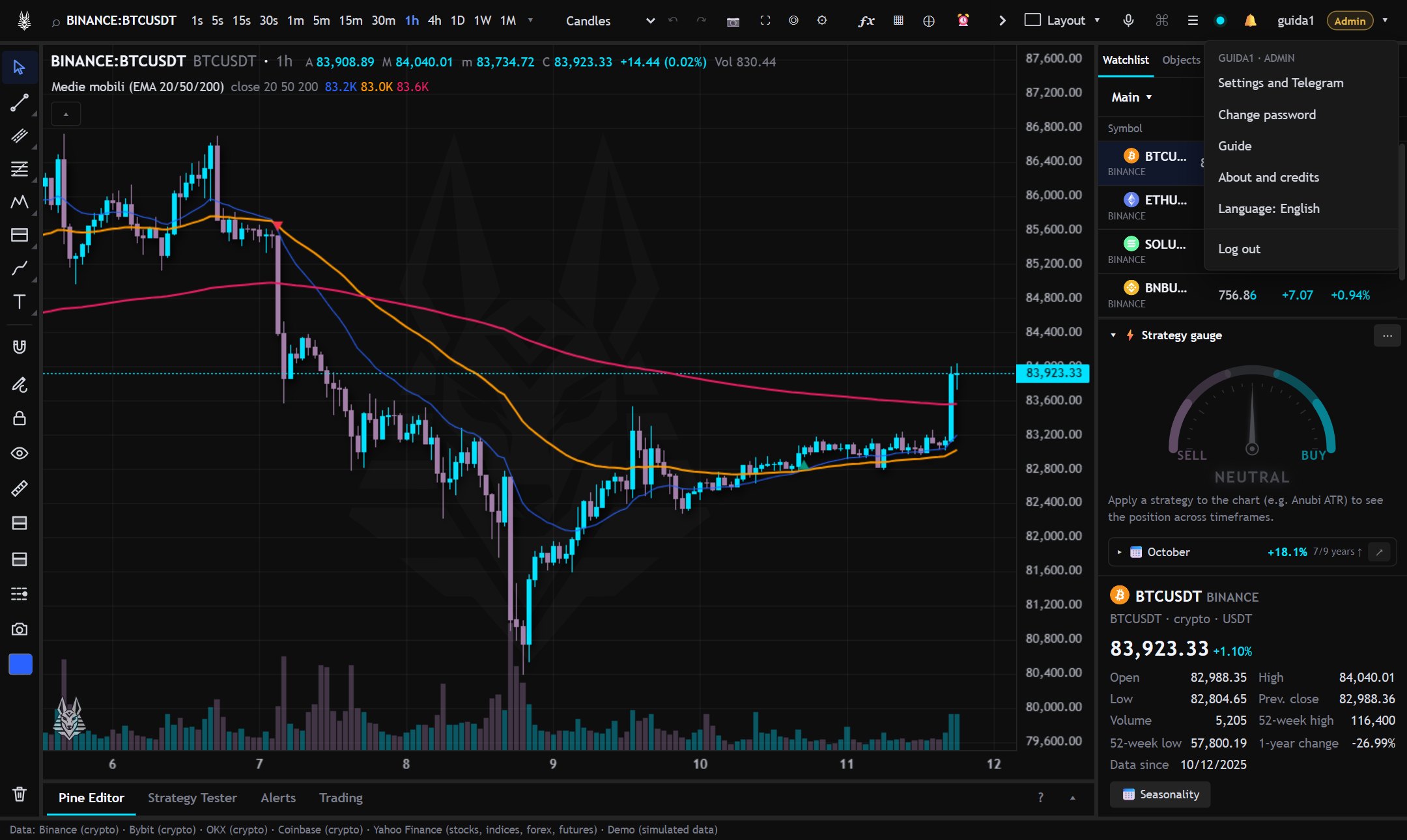
- Change password.
- Settings → Security: two-step verification with an authenticator app (Google Authenticator, Authy…). It is recommended. If you lose your phone and backup codes, press I lost my code on the code screen: we email you a link to cancel and, after 24 hours, the verification is turned off (a confirmed email is required).
- Settings, watchlists and layouts are saved on the server: you find them on every device.
- The app can be installed on the phone or the computer (from the browser menu, “Install” or “Add to Home screen”).
After too many wrong login attempts, access is blocked for a few minutes.