The Trading tab is a simulated account: you trade with real prices without real money. Orders and levels are checked on the server, even with the browser closed.
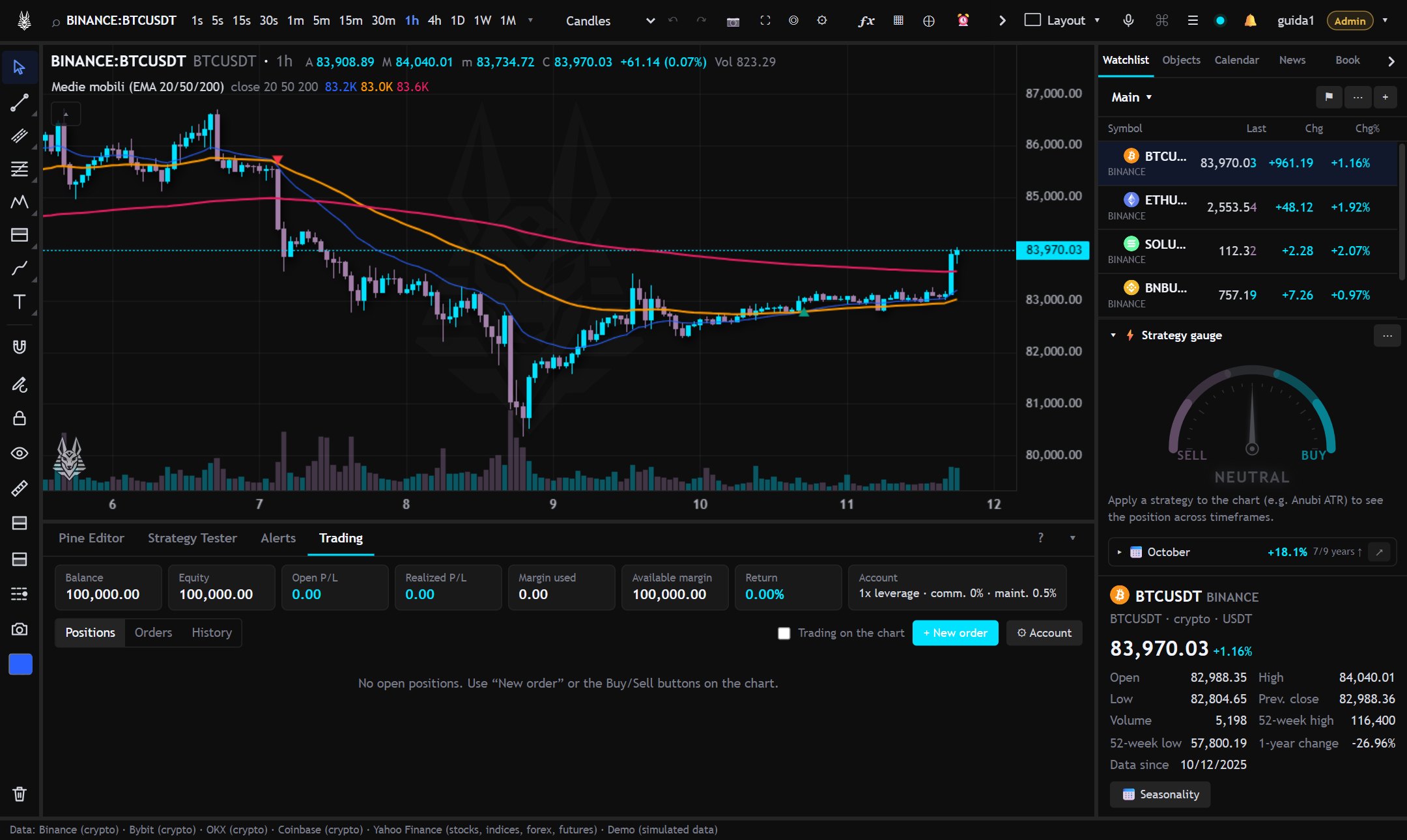
Orders
- Buy or Sell, at market, limit or stop, with optional take profit and stop loss.
- From the right-click on the chart: buy or sell limit and stop at the pointer price.
- Orders, positions, TP and SL appear on the chart as lines: dragging them moves them.
Leverage and margin
- Leverage per symbol (by default the account's) and cross or isolated margin.
- Isolated: at most the position's margin is at risk, which you can increase by hand.
- Cross: the whole balance acts as margin; liquidation closes all cross positions.
- The liquidation price is in the panel and on the chart (LIQ line).
- On perpetuals (symbols ending in
.P) you pay or receive funding at the settlement times, as on the exchange.
From the account settings: initial capital, default leverage, fees, maintenance margin, account reset. The History lists closed positions.