Moving around
- Mouse wheel: zoom. Drag: scroll. Scrolling to the left loads older history.
- Dragging vertically turns off the automatic scale: a double click on the price scale turns it back on.
- Alt+R brings the view back to the latest bars.
Chart types and scales
From the chart type menu: candles, hollow candles, Heikin Ashi, bars, columns, line, area, baseline; time-independent: Renko, Line Break, Kagi, Point & Figure, range bars; and the 3D Footprint.
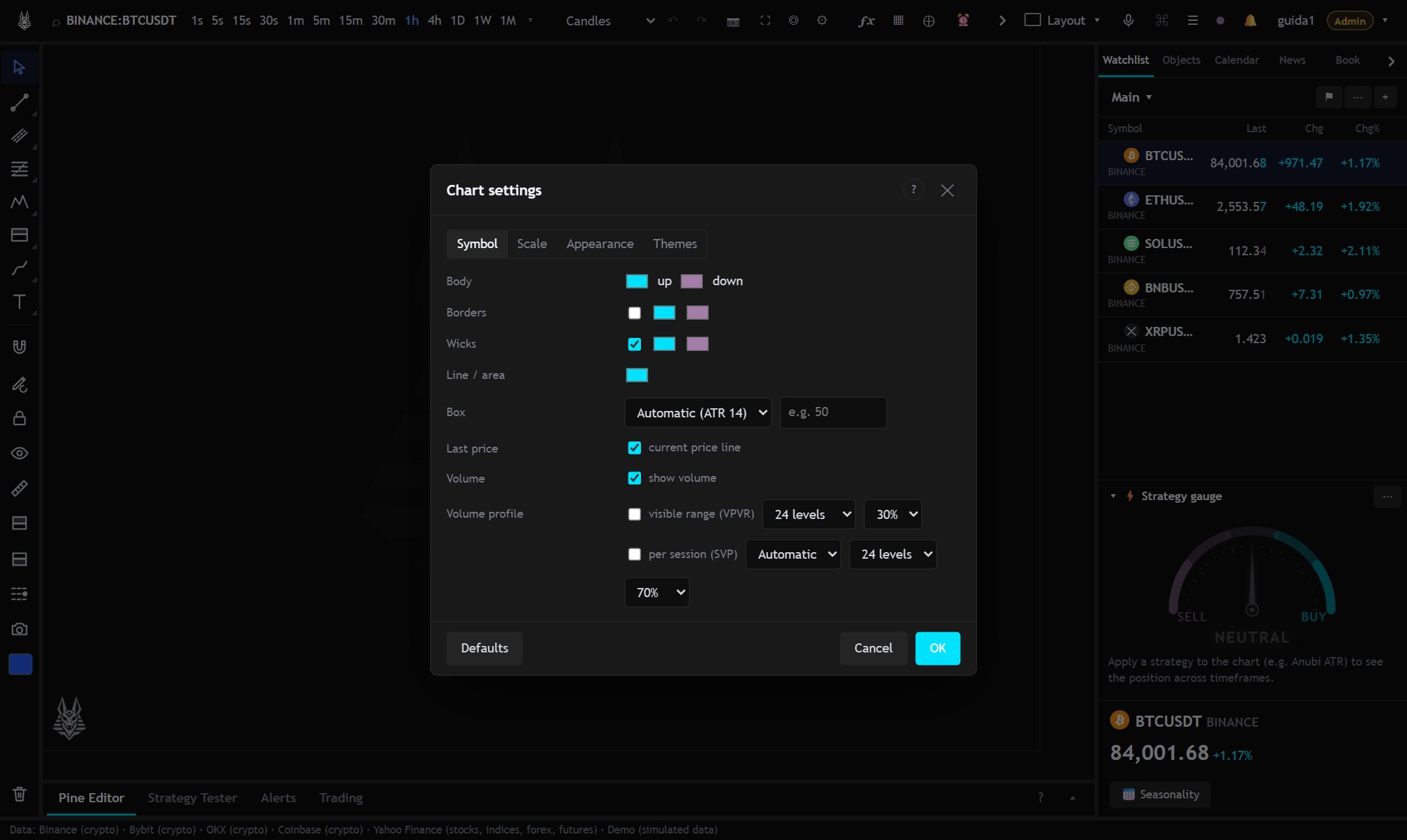
Logarithmic scale Alt+L, percentage Alt+P, inverted Alt+I. Colors, grid, time zone and more are in Chart settings (⚙, or right-click on the chart).
Themes and shapes
In Chart settings → Themes you choose the colors and the interface shape: all the details in Themes and shapes.
Panes
Indicators that don't sit on the price have a pane of their own, with a legend to move, maximize and resize it. The bottom and right panels can be widened, narrowed, collapsed and hidden: see Panels and workspace.
More
- Compare (⊕): overlays other symbols as percentages.
- Screenshot: Alt+S downloads the image, Ctrl+Alt+S copies it to the clipboard. Every image carries the AnubiView mark at the bottom left.
- Left bar, quick buttons: Ruler (change, %, bars, duration, volume, high/low and slope between two points; with the magnet it snaps to prices), Long/Short zone (entry, stop, target with R/R; with the paper account equity it shows risk, quantity and value, and in the drawing bar you choose the risk % and ⚡ Order opens the order window already filled in), automatic levels (high, low and close of yesterday, last week and last month, plus the opens; lines on the chart that update by themselves) and screenshot (download or copy).
- Shift+F: full screen with the chart only.
- Shift+O: Horizon layout, the chart fills the whole window with translucent bars and panels.
- Right-click on the chart adds alerts and orders at the pointer price.