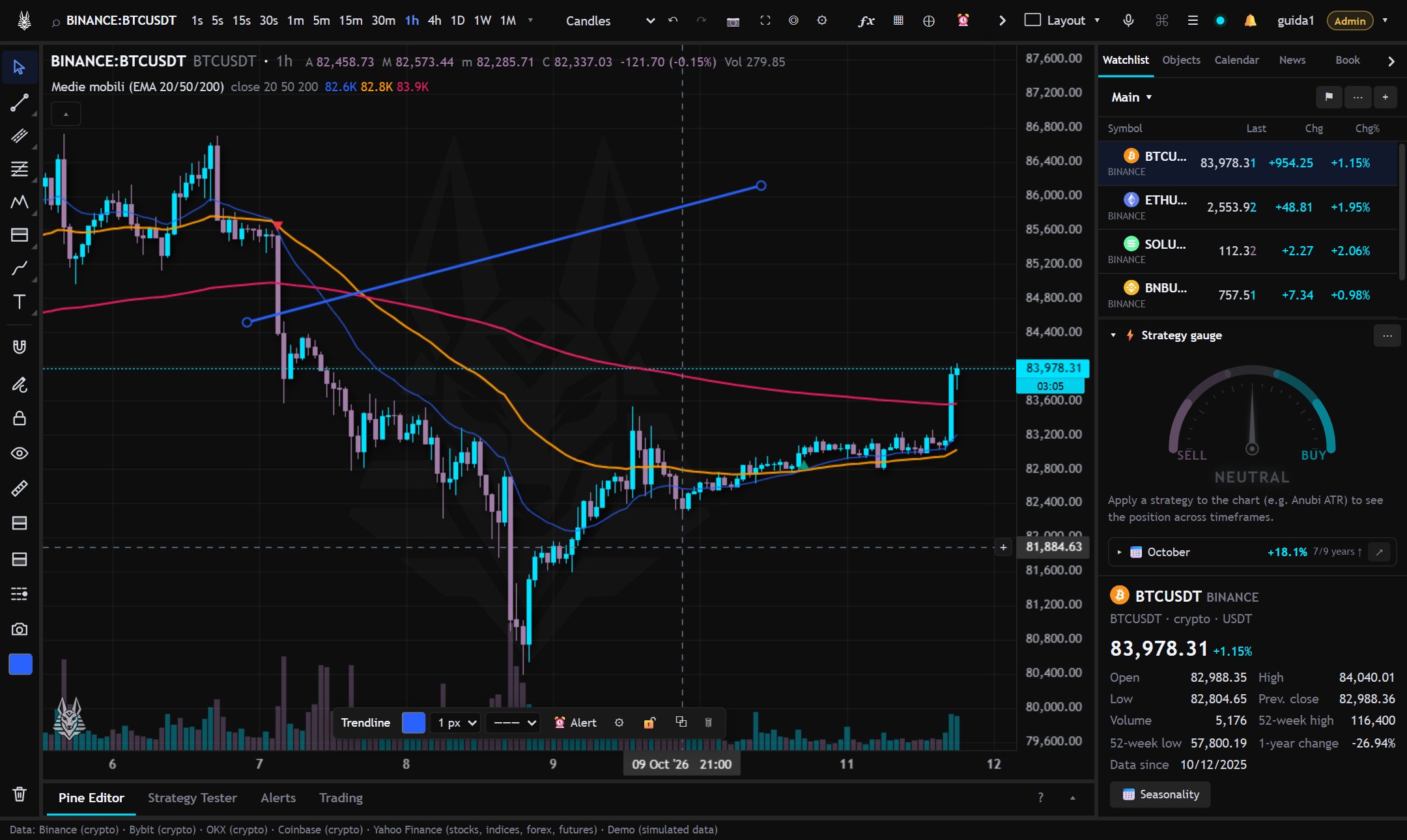
The tools are in the left bar, grouped by type (lines, Fibonacci, shapes, text, measures…). Each symbol has its own drawings.
- Magnet: snaps points to the open, high, low or close.
- Keep drawing: to draw several times in a row without selecting the tool again.
- Lock and hide all drawings; the color square is the color of new drawings.
- When a drawing is selected a small bar appears for color, thickness, text, order, lock and more. A double click opens all the properties; Del deletes it.
- On a line, the ⏰ button creates an alert when the price crosses it.
Shortcuts
Trendline Alt+T, Fibonacci Alt+F, rectangle Alt+Shift+R, measure Alt+M, horizontal line Alt+H and vertical Alt+V at the crosshair, hide all Ctrl+Alt+H, Esc returns to the cursor.
In the right panel, Objects → Object tree lists indicators and drawings: from there you select, hide and reorder them. Data window shows the values of the bar under the crosshair.