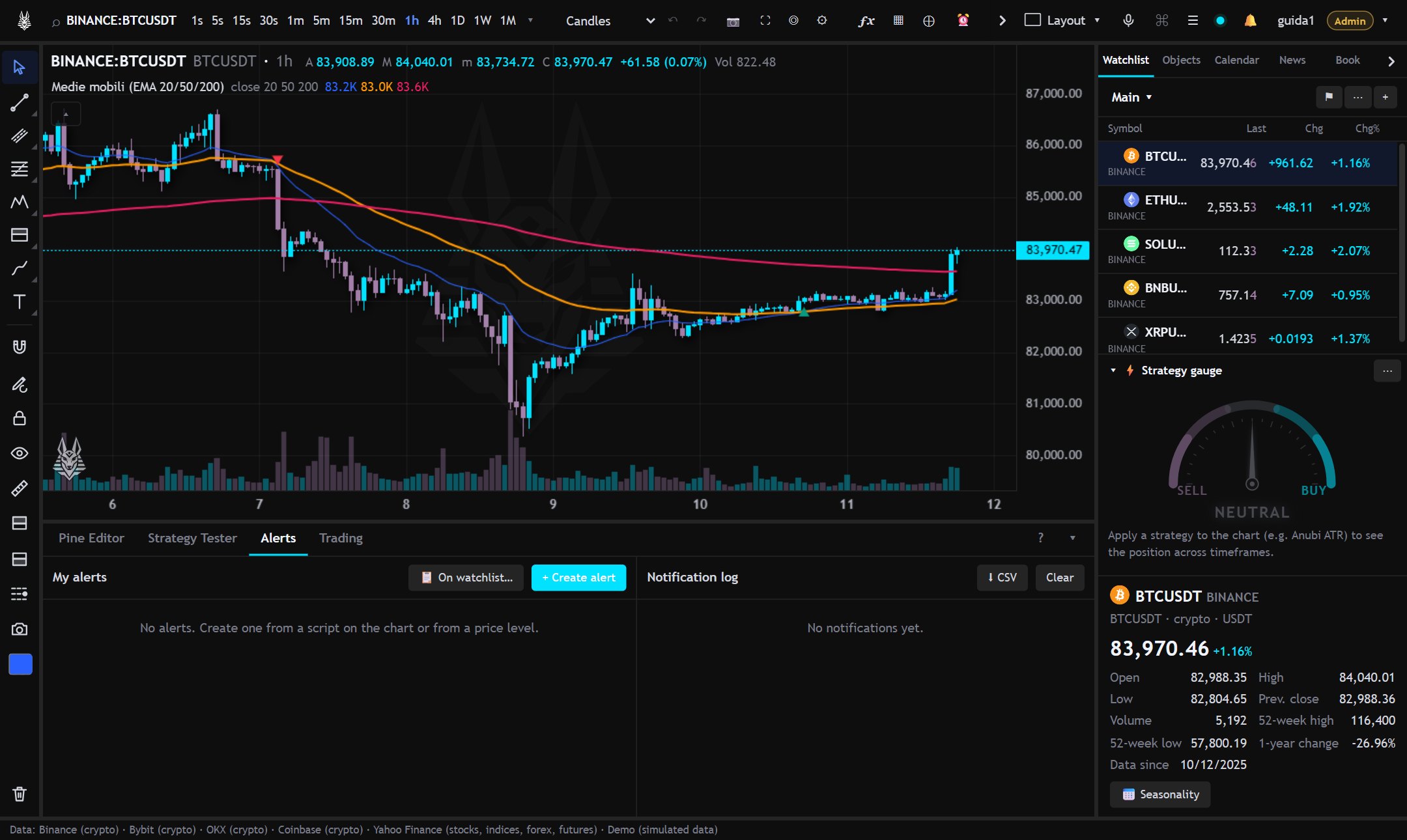
The Alerts tab of the bottom panel has two columns: My alerts (turn on or off, edit, delete) and the Notification log (downloadable as CSV). 🔔 at the top shows unread notifications.
On the chart
Price and line alerts appear on the chart as lines: dragging them moves the level.
Messages
In alertcondition() messages you can use the TradingView placeholders: {{ticker}}, {{exchange}}, {{interval}}, {{open}}, {{high}}, {{low}}, {{close}}, {{volume}}, {{time}}, {{timenow}}, {{plot_0}}, {{plot("Name")}}.
If something goes wrong
- After a server interruption or an error, the alert recovers the signals of the bars closed in the meantime (last 12 hours, at most 5 bars) and marks them as late.
- If an alert fails several times in a row, “Alert not working” arrives with the reason, then “working again” when it resumes.
- If a channel can't deliver (for example Telegram), the notification arrives on the other channels.